Nexus Private Repository Setup
第一步骤:Downloadnexus私服软件nexus-2.12.0-01-bundle
第二不:Installation
进入nexus解压Directory进入到binDirectory:
1、Installation:Executenexus.bat install
2、Start:nexus.bat start
第三步:View访问Path
进入configDirectory,打开nexus.properties即可看到端口号,项目Commandnexus。
第四步:浏览器打开http://127.0.0.1:8081/nexus/
默认登录账号:admin/admin123
# Jetty section
application-port=8081
application-host=0.0.0.0
nexus-webapp=${bundleBasedir}/nexus
nexus-webapp-context-path=/nexus

# Nexus section
nexus-work=${bundleBasedir}/../sonatype-work/nexus
runtime=${bundleBasedir}/nexus/WEB-INF
私服Usage说明:
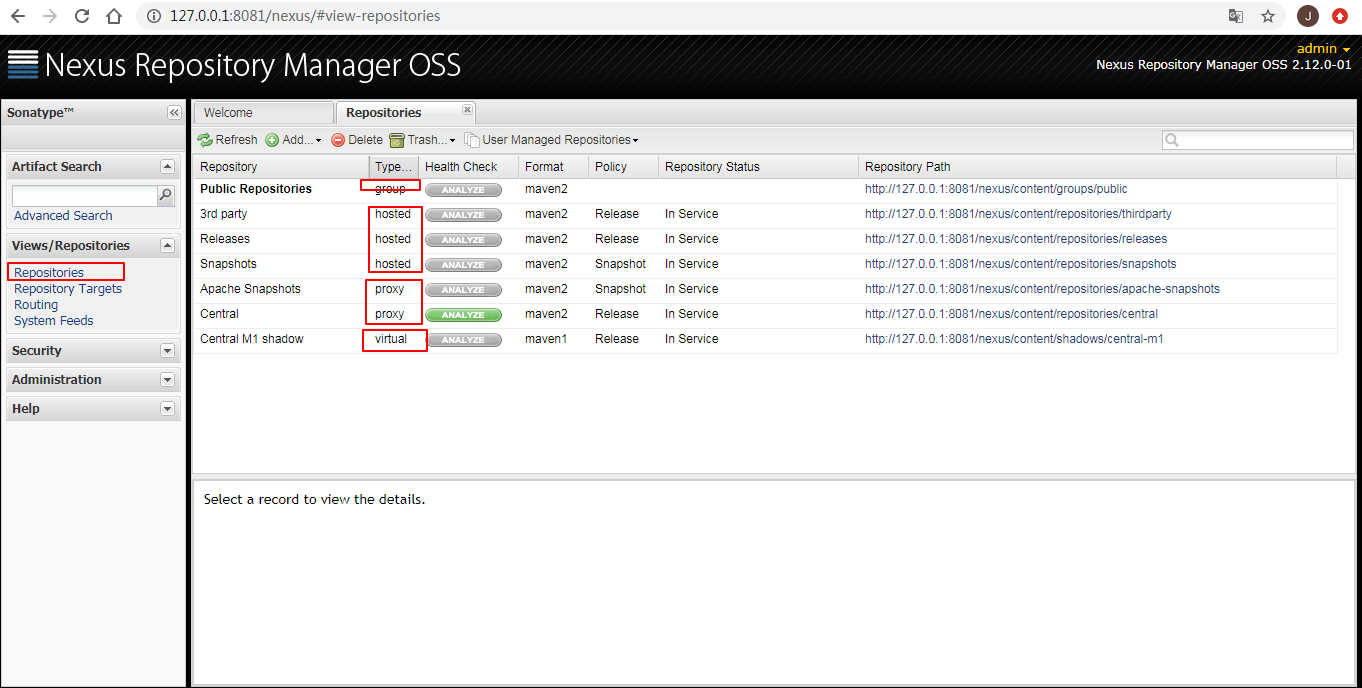
Virtual 虚拟仓Library
Proxy Proxy仓Library
Hosted 宿主仓Library 本地仓Library
Group 组
项目中如何Usage: 项目中Package本地项目jar包上传到私服:
第一步:Configuration项目maven中settingConfiguration File,Settings私服账号密码,才能上传到私服。
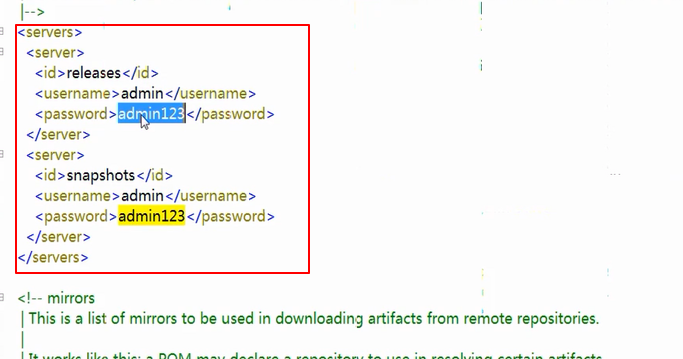 添加到settings.xml中:
<server>
      <id>releases</id>
      <username>admin</username>
      <password>admin123</password>
    </server>
	<server>
      <id>snapshots</id>
      <username>admin</username>
      <password>admin123</password>
    </server>
第二步:需要上传jia包项目的pom中Configuration私服地址
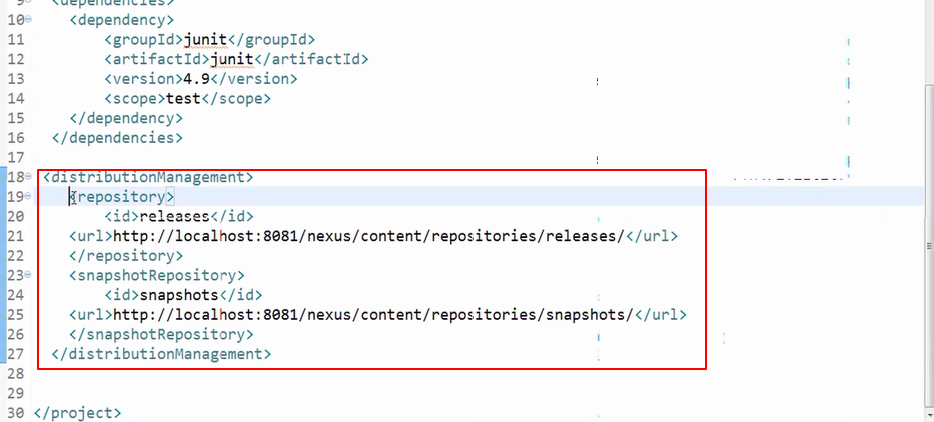
 <distributionManagement>
  	<repository>
  		<id>releases</id>
	<url>http://localhost:8081/nexus/content/repositories/releases/</url>
  	</repository>
  	<snapshotRepository>
  		<id>snapshots</id>
	<url>http://localhost:8081/nexus/content/repositories/snapshots/</url>
  	</snapshotRepository>
  </distributionManagement>
第三步、要Package提交jar到私服的项目: ExecutePackage、提交到私服: deploy
第四步:打开私服View是否上传成功。
其他项目从私服Downloadjar包:
第一步:mavenConfiguration FilesettingConfiguration私服地址。
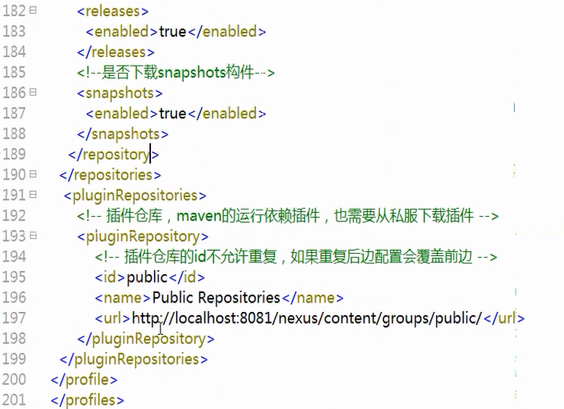 添加到settings.xml中
<profile>
<!--profile的id-->
<id>dev</id>
<repositories>
<repository>
<!--仓库id,repositories可以配置多个仓库,保证id不重复-->
<id>nexus</id>
<!--仓库地址,即nexus仓库组的地址-->
<url>http://localhost:8081/nexus/content/groups/public/</url>
<!--是否下载releases构件-->
<releases>
<enabled>true</enabled>
</releases>
<!--是否下载snapshots构件-->
<snapshots>
<enabled>true</enabled>
</snapshots>
</repository>
</repositories>
<pluginRepositories>
<!-- 插件仓库,maven的运行依赖插件,也需要从私服下载插件 -->
<pluginRepository>
<!-- 插件仓库的id不允许重复,如果重复后边配置会覆盖前边 -->
<id>public</id>
<name>Public Repositories</name>
<url>http://localhost:8081/nexus/content/groups/public/</url>
</pluginRepository>
</pluginRepositories>
</profile> 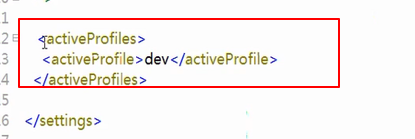 激活mavenConfiguration File中Configuration的私服仓Library地址
  <activeProfiles>
    <activeProfile>dev</activeProfile>
  </activeProfiles>
Choose要Pulljar的项目,Runmaven中的update,从私服Pulljar包。
注意:

Installationnexus后,Start失败,可修改上面的nexusConfiguration File或从新Installationjdk。